Guide
Your COROS activities, on the wall.
How to export your COROS activities and turn them into a minimal poster of your year, of one race or of your numbers. Your files are read in your browser.
How to export
- In the COROS app, open the workout you want.
- Tap the top-right corner, choose Export Data and pick FIT (or GPX).
- Send the file to your computer (email or Files) and drop it here.
Tip: The app exports one workout at a time. For a whole year, connect COROS to Strava and use the Strava export.
Start with COROSEverything is read in your browser. Only simplified routes, without the 200 m around your home, go to our server.
Posters you can make
See all →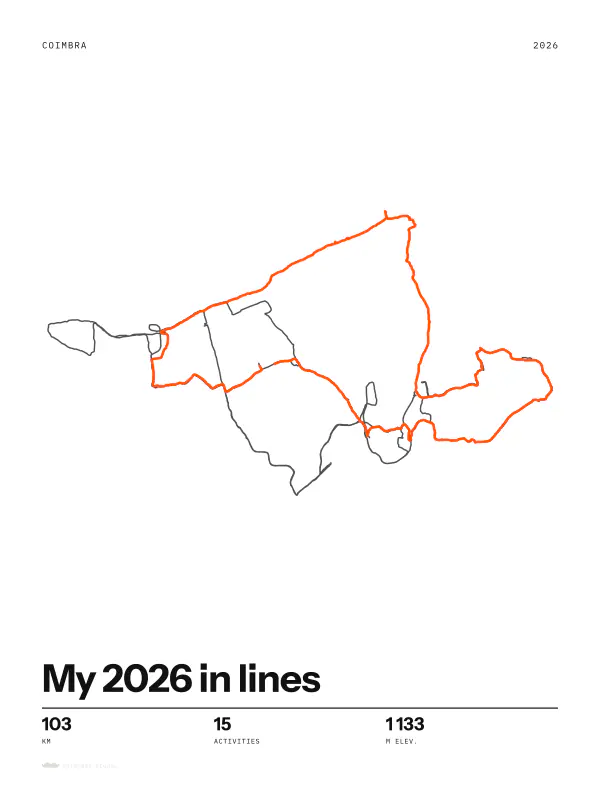
Year in linesEvery route you ran, layered on one map.from Was: €12 €6
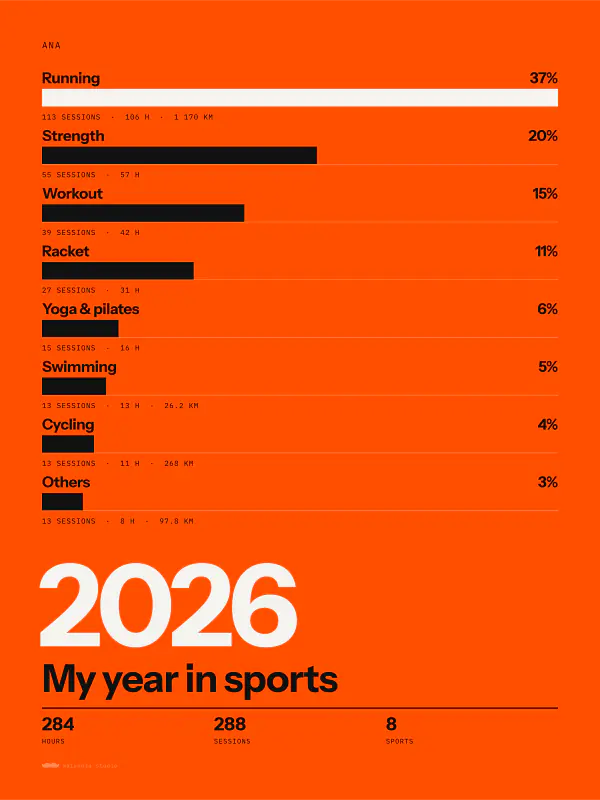
SportsYour year, split by sport.from Was: €12 €6
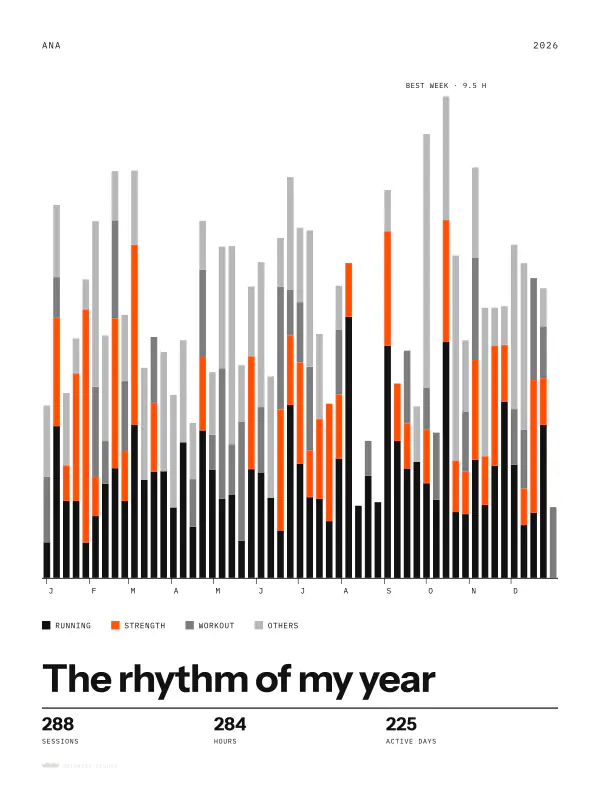
Year rhythmEvery week of the year, one bar.from Was: €12 €6
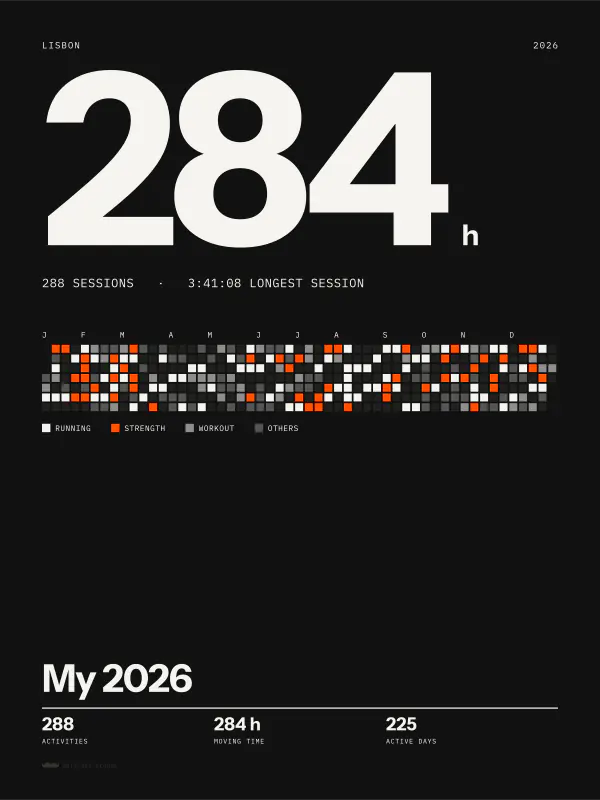
Year in numbersOne giant number and every day of the year.from Was: €12 €6
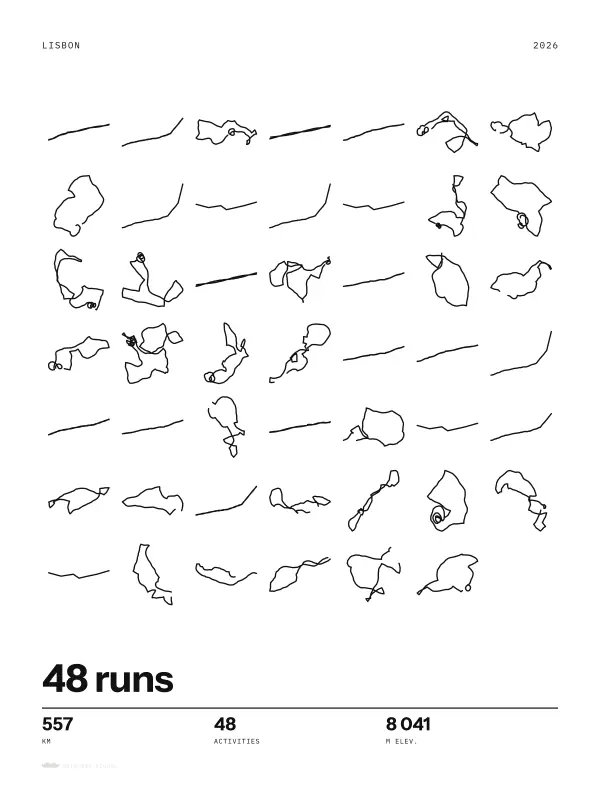
Every outingOne small drawing per activity.from Was: €12 €6
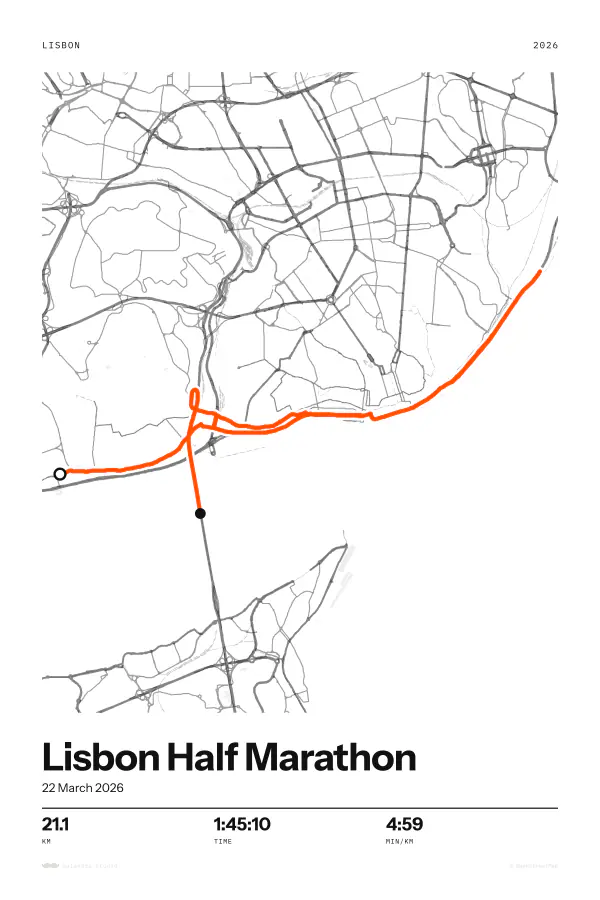
One raceYour race, with time, pace and route.from Was: €12 €6
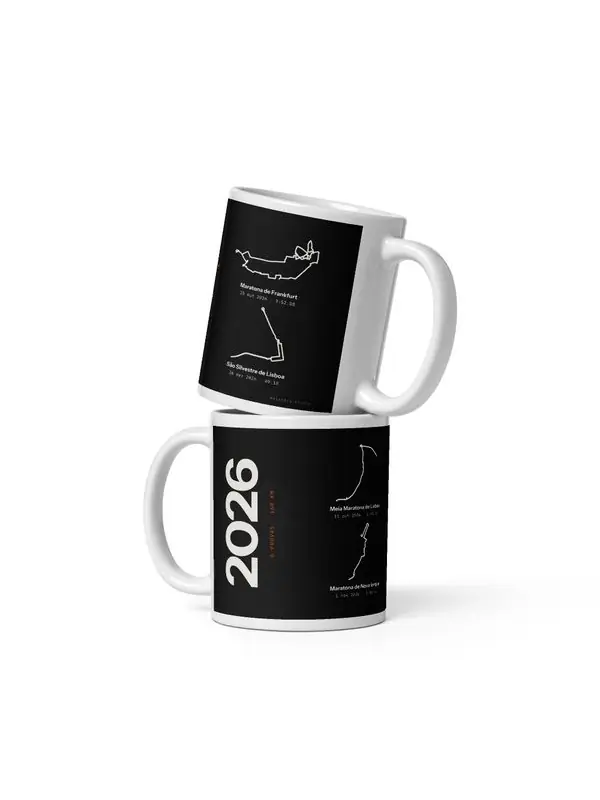
A year of races, on a mugA mug with the year’s races: courses, names and times.€13.99