Guide
Your Fitbit activities, on the wall.
How to export your Fitbit activities and turn them into a minimal poster of your year, of one race or of your numbers. Your files are read in your browser.
How to export
- In the Fitbit app (now Google Health), open the Fitness tab and tap a workout recorded with GPS.
- Tap More (⋮), then Export, and save the TCX file.
- Drop the files here: you can add several at once.
Tip: Only workouts recorded with GPS have a route. The full account export may not include routes, so export the runs you want one by one.
Start with FitbitEverything is read in your browser. Only simplified routes, without the 200 m around your home, go to our server.
Posters you can make
See all →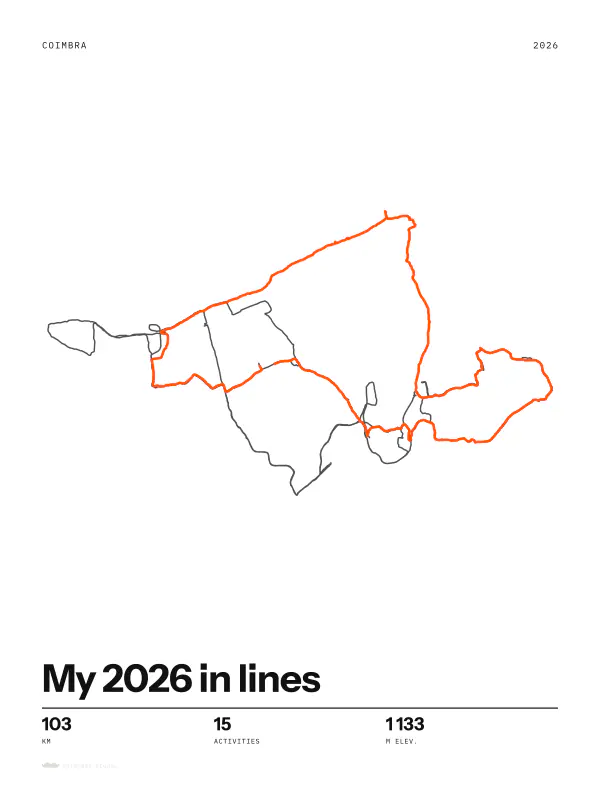
Year in linesEvery route you ran, layered on one map.from Was: €12 €6
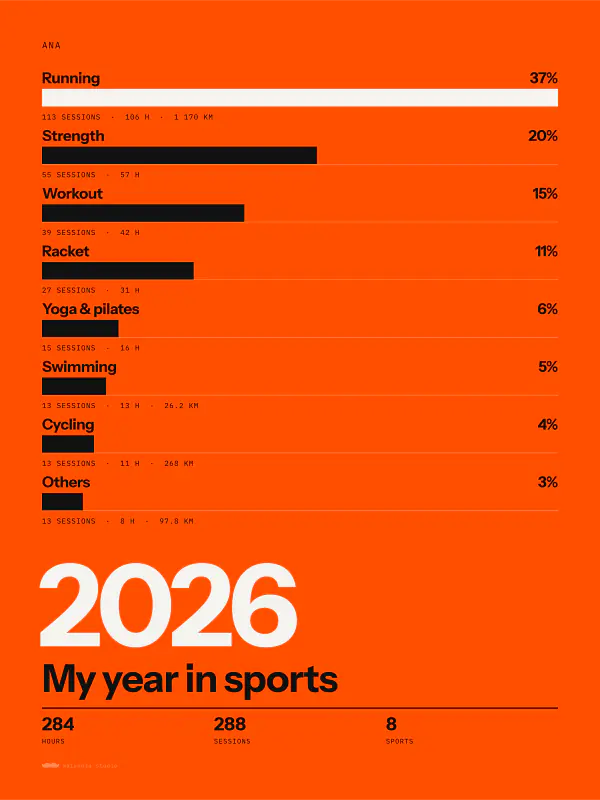
SportsYour year, split by sport.from Was: €12 €6
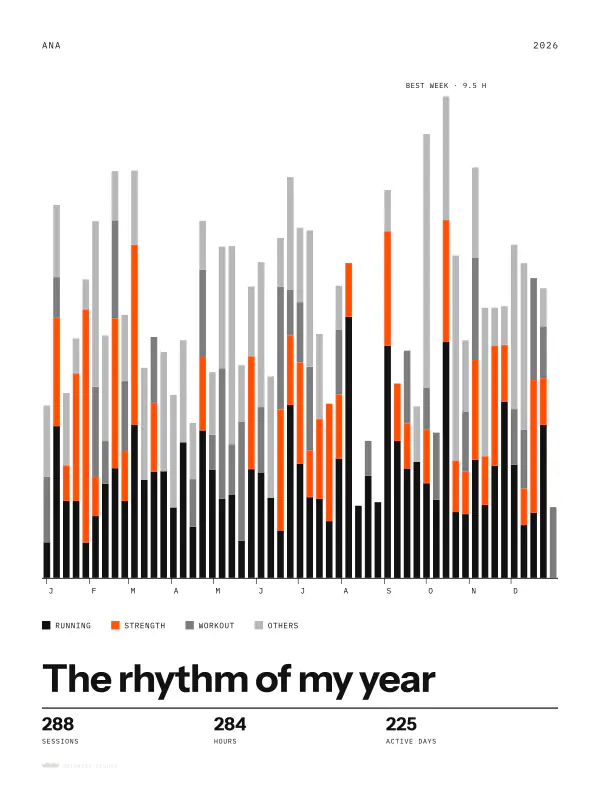
Year rhythmEvery week of the year, one bar.from Was: €12 €6
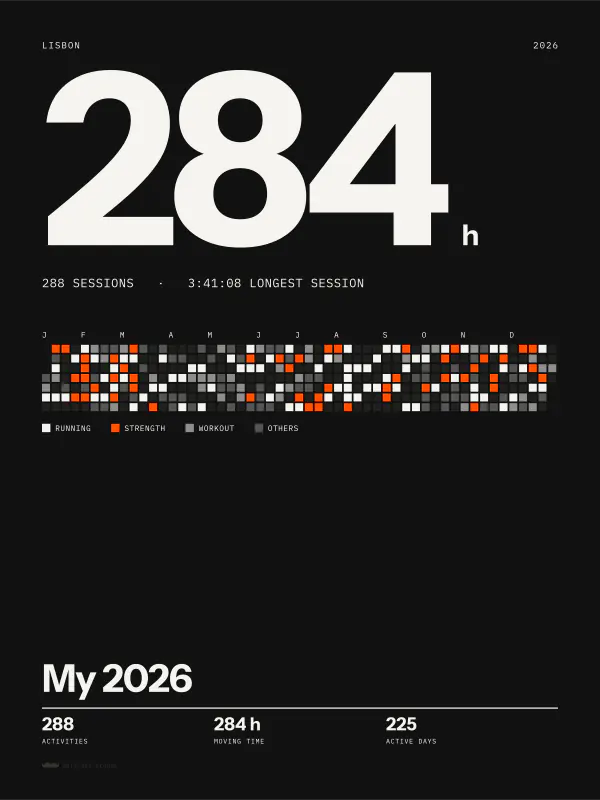
Year in numbersOne giant number and every day of the year.from Was: €12 €6
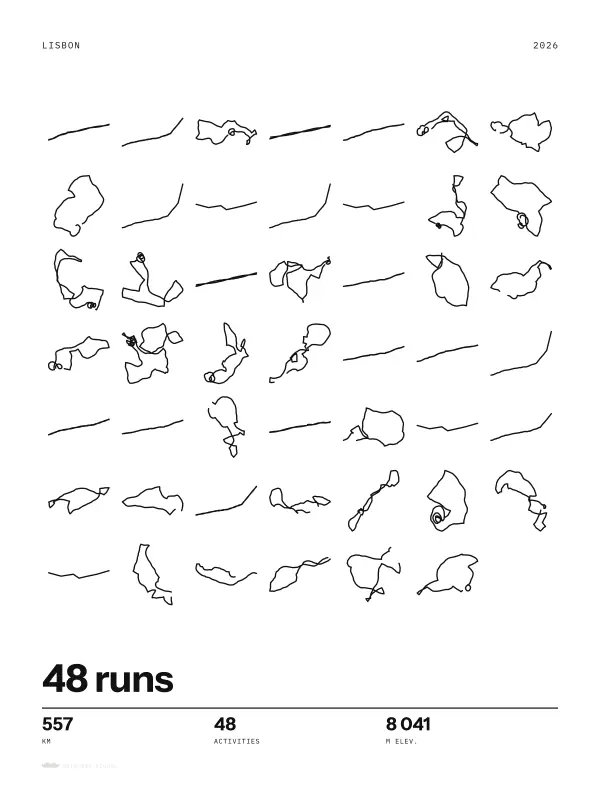
Every outingOne small drawing per activity.from Was: €12 €6
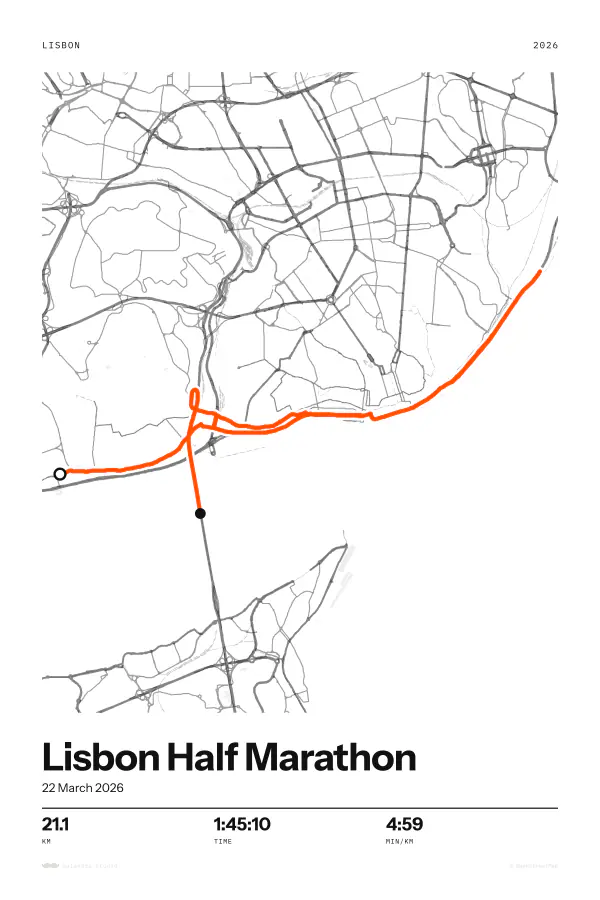
One raceYour race, with time, pace and route.from Was: €12 €6
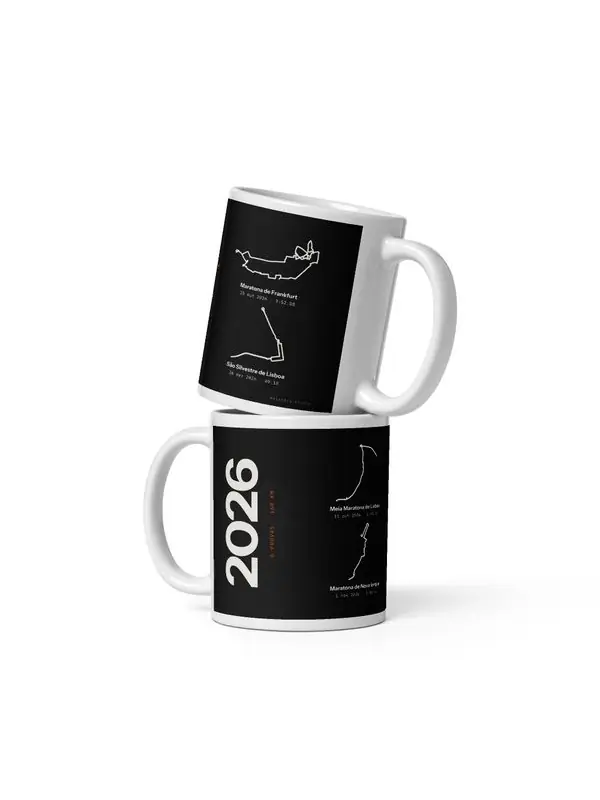
A year of races, on a mugA mug with the year’s races: courses, names and times.€13.99